

Most translation features work the same way. The user types text, your app sends it to a translation API, and the API sends a translation back. That works, but every request adds cost and latency, and your users' text leaves their device.
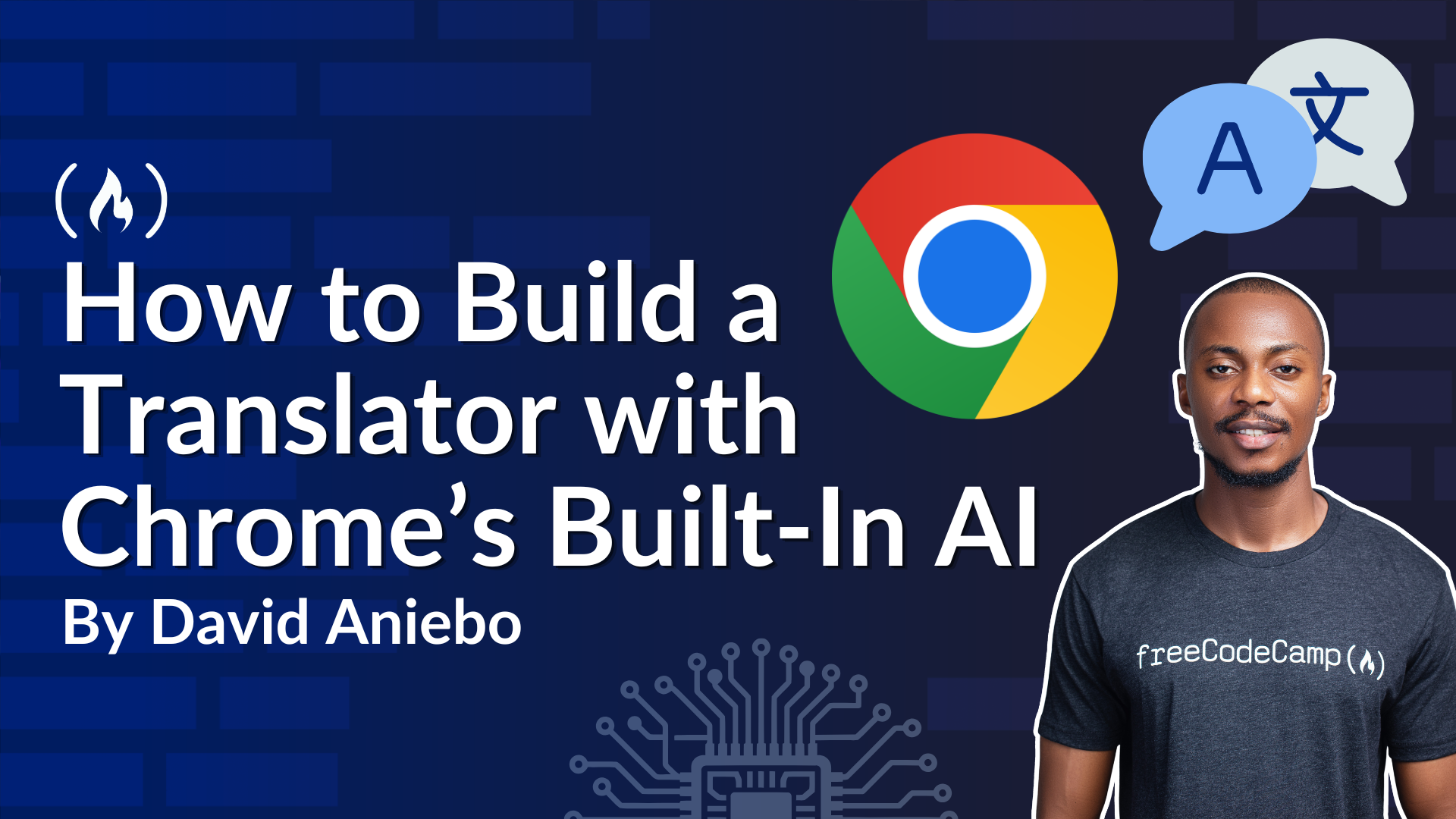
Chrome now ships two built-in AI APIs that change this: the Translator API and the Language Detector API. Chrome downloads small, specialized models on demand and runs them on the user's device. You don't host a model, run an inference server, or pay per request. You call a JavaScript API.
Internationalization (i18n) prepares your interface for multiple languages and regions: language selection, locale-aware dates, numbers and currencies, right-to-left (RTL) layout, and static interface strings that a person wrote and reviewed:
AI-powered translation generates translations on the fly for content nobody wrote ahead of time, such as comments, reviews, support messages and posts.
Source: freeCodeCamp News — Read the full article on the original site ↗
Get the best of this topic in your inbox
Join the newsletter. A short, useful digest, no spam.